JetBrains Plugin Is Live and Knowledge Hub Goes Mobile
The Spedy plugin for IntelliJ, WebStorm, and other JetBrains IDEs is now available on the JetBrains Marketplace. Plus: the Knowledge Hub is now fully responsive on phones and tablets.
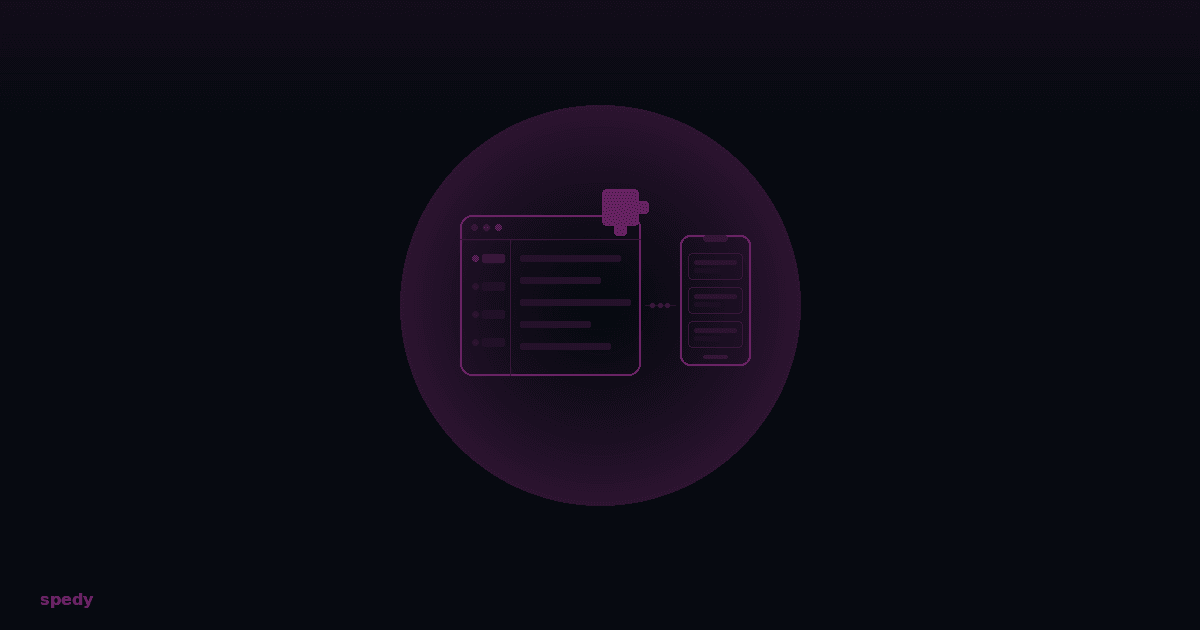
The Spedy plugin for JetBrains IDEs is now live on the Marketplace — no more waitlist. And the Knowledge Hub got a layout update that makes it actually usable on phones.
JetBrains Plugin: Tickets Right in Your IDE
The plugin brings your ticket system where you write code. Instead of switching between browser and editor, you work directly in IntelliJ, WebStorm, PyCharm, or any of the other supported IDEs.
What the plugin does
- Browse and create tickets: A dedicated tool window shows your tickets with filters and a detail view. Create new tickets straight from the IDE — with full Markdown support.
- Ticket IDs detected in code: Every ticket ID in code, comments, or commit messages is automatically detected and linked. Hover to see status, title, and assignee.
- Write comments: Compose ticket comments in a dedicated editor tab. @-mentions with autocomplete, Markdown rendering, and status changes included.
- Secure connection: OAuth 2.0 with PKCE — your token lives in the IDE's credential store, not in plain text.
Supported IDEs
IntelliJ IDEA, WebStorm, PyCharm, GoLand, PhpStorm, RubyMine, CLion, Rider, and Android Studio. Requires version 2025.2 or newer (Java 21+, ships with current JetBrains IDEs).
How to install
- Open Settings → Plugins → Marketplace in your IDE.
- Search for Spedy.
- Click Install and restart the IDE.
- In the new Spedy tool window, click Connect and authenticate via browser login with your Spedy organization.
Knowledge Hub on Mobile
The Knowledge Hub pages (list and detail view) are now responsive. On narrow viewports — phone or small tablet — the filter sidebar is replaced by a horizontally scrollable chip row, and entry cards take up the full width.
Everything that works on desktop works on mobile: searching, filtering by category and tags, opening entries, voting, and reading replies. The difference is layout only — stacked instead of side by side.
Frequently asked questions
Quick answers to the most common questions about this topic.
Which JetBrains IDEs are supported?
How do I install the plugin?
Does the Knowledge Hub work on tablets too?
Keep reading
AI chat removed: bring your own AI tool
The built-in AI chat assistant is gone. The reason is simple: you already use your own AI tool. Here's what stays, what's gone, and what you need to do.

Download All, lightbox navigation, and an MCP that finally sees attachments
Every attachment in one ZIP, an image preview with thumbnail rail and swipe on mobile, plus: the MCP actually finds files now. A build-in-public devlog.

Knowledge Hub, Per-Repo Base Branches, and a Cleaner Settings Experience
A new StackOverflow-style Knowledge Hub with voting, replies, and AI consolidation. Plus: per-repository configurable base branches, a consolidated settings layout, and noticeably calmer ticket editing.